Ask someone to pay
Make a link for a bill, no wallet needed. Anyone opens it within 72 hours and pays with QIE.
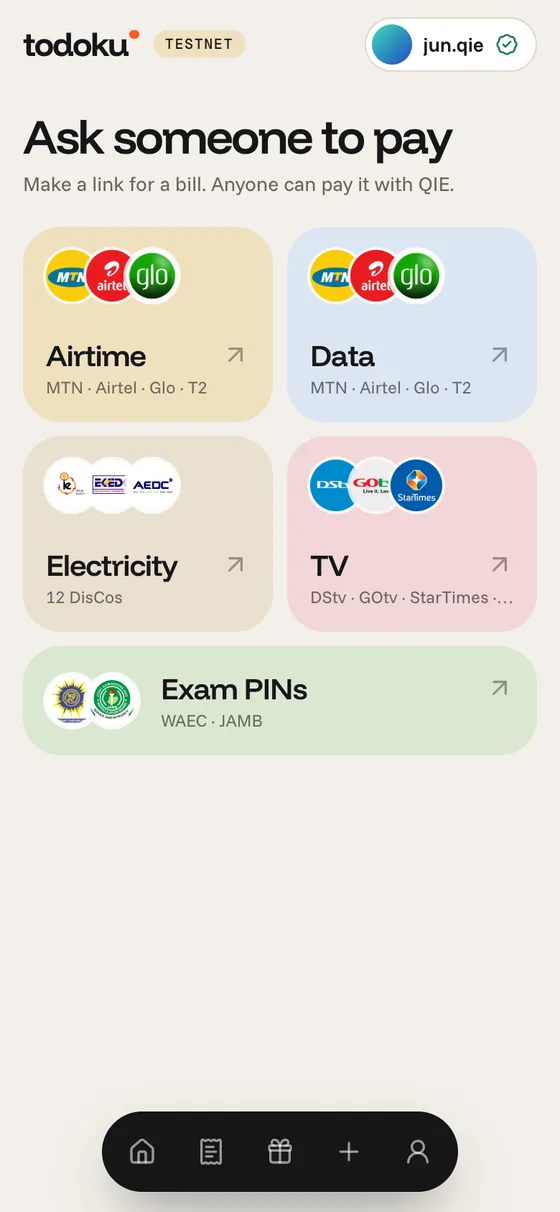
Make a link
Ask someone to pay opens any pay screen in ask mode. Fill in the number, the plan or the meter as usual: the bill gets the same checks a payment gets (the number, the plan, the minimum, the name on a meter). Add a Note (optional) such as "Light for this month", then Create pay link.
You get a QR code, the link to copy, and buttons for WhatsApp, Telegram and your phone's share sheet. The link stays open for 72 hours. No wallet is needed to make one; signed in, the link says it comes from your name.
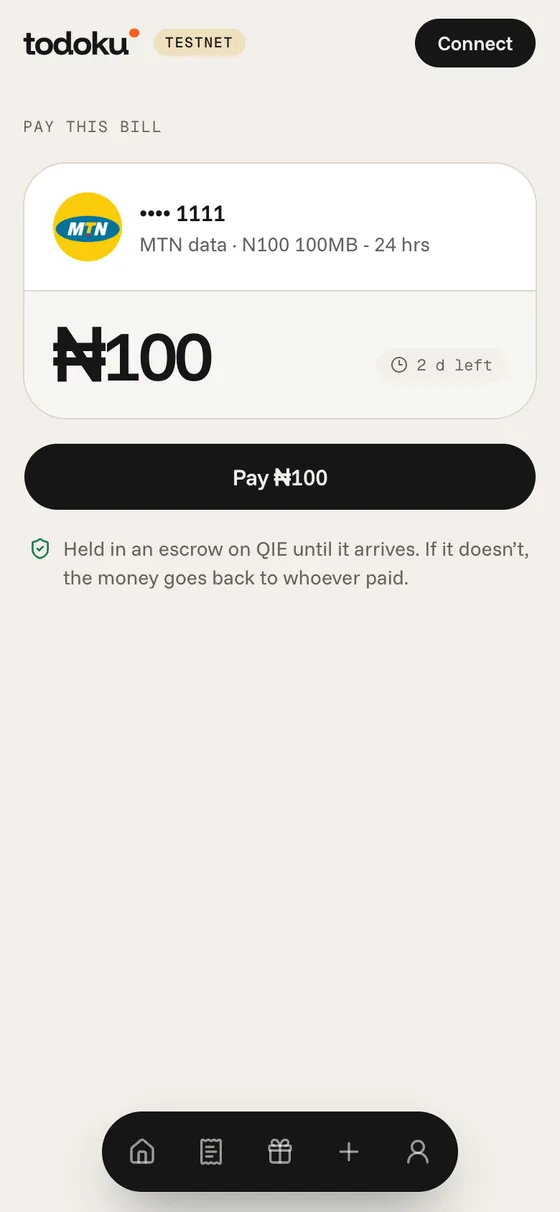
Pay a link
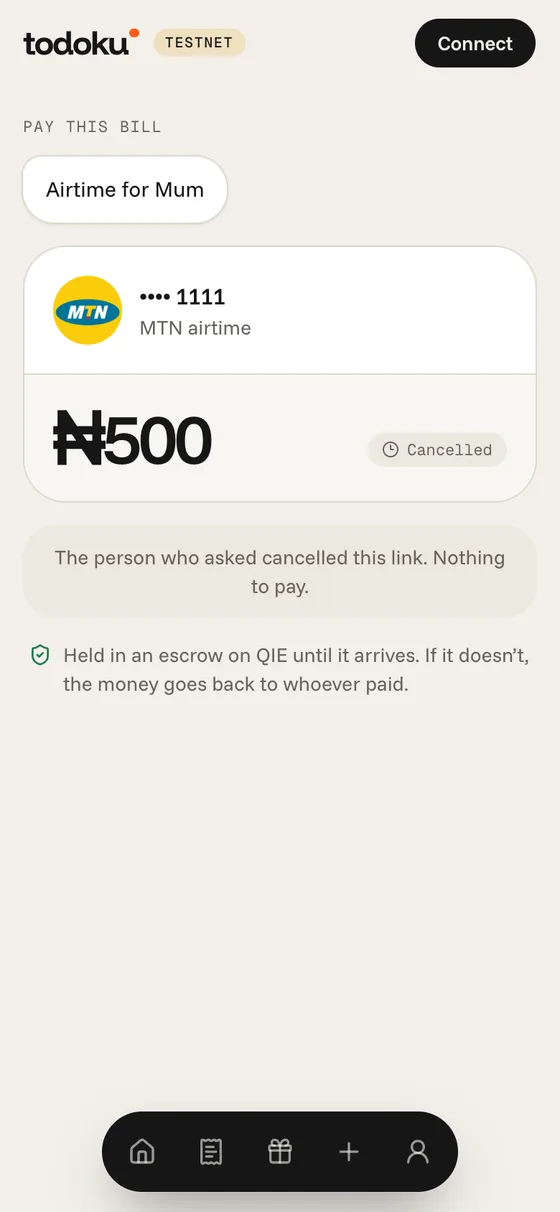
Whoever opens /p/… sees "jun.qie asks you to pay" (or "Pay this bill"), the note, the bill with its confirmed name, the amount, how long is left, and one Pay ₦… button. They pay from their own wallet like any bill, and the money waits in the escrow the same way: "If it doesn't, the money goes back to whoever paid."
- One payer at a time: while someone is paying, others see "Someone else is paying this right now". Once paid, the page shows "Paid by …" and the receipt.
- With Telegram linked, the person who asked gets "🙌 … paid your bill", with the token or PINs when the bill has them.
Links made from an AI app can be edited or cancelled from the Todoku card in the chat (see AI apps). The website itself has no Cancel button yet; an unpaid link closes on its own after 72 hours.